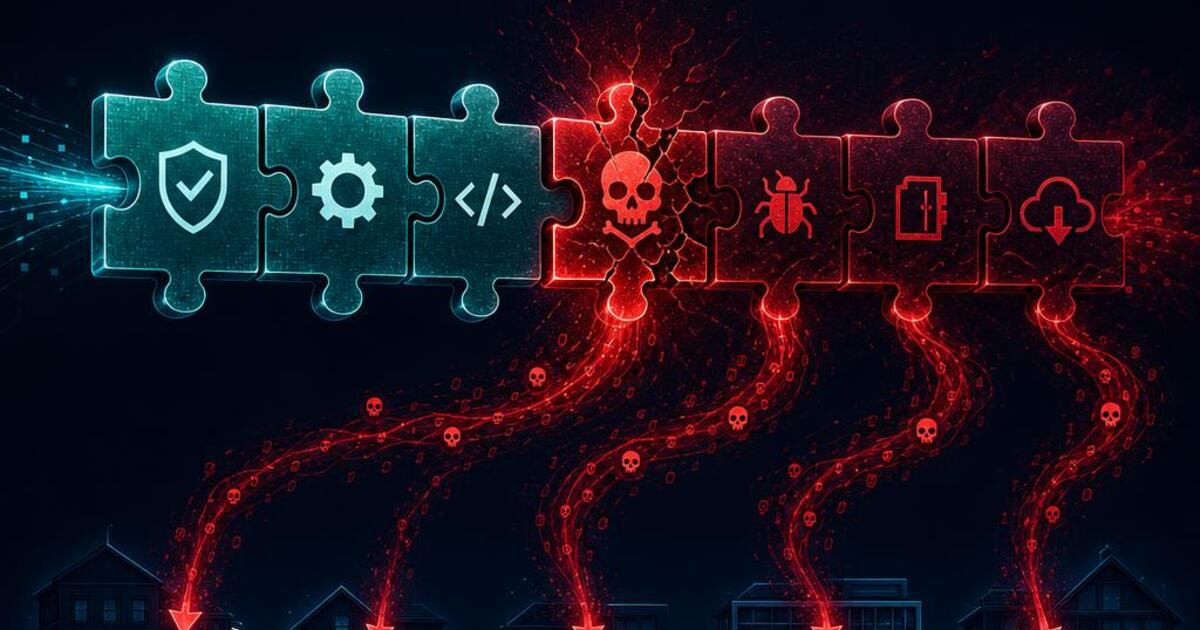
The Pattern: Attackers Are Targeting Trust, Not Just Vulnerabilities
Supply chain compromise: the Gravity Forms case
Gravity Forms, a premium form-builder plugin with around a million installations, was compromised when attackers gained access to the vendor's own infrastructure and infected manually downloaded installers with backdoors. The plugin's developer, RocketGenius, confirmed the compromise and noted that sites using the automatic update service weren't affected, only manual downloads from the official website were. That distinction matters enormously: it means the same security habit that normally protects you, updating carefully rather than blindly, was the exact thing that exposed some sites here, since manually re-downloading installers is a common practice for developers managing multiple client sites.
Ownership change attacks: the Essential Plugin case
A different pattern played out with Essential Plugin. According to TechCrunch's reporting on the Essential Plugin backdoor and a blog post by Anchor Hosting founder Austin Ginder, someone purchased the company behind more than 30 popular plugins, then quietly added a backdoor to the source code after the acquisition. WordPress removed the affected plugins from its repository within a day of the backdoor being discovered, but by then thousands of websites had already installed updates carrying the malicious code.
Fake security tools: the WP-antymalwary-bot case
Perhaps the most unsettling variant discovered this year involves malware disguised as the exact tool you'd install to protect yourself. Security firm Wordfence discovered a file named "WP-antymalwary-bot.php" during a site cleanup in January 2026, malware built to look like a legitimate security plugin. Anyone scanning their plugin list for anything unfamiliar could easily overlook it, since its name is deliberately designed to sound like protection rather than a threat.
Why "Just Use Popular Plugins" Isn't Enough Anymore
The traditional advice, stick to plugins with a large install base, frequent updates, and good reviews, still matters, but 2026's incidents show it's no longer sufficient on its own. Gravity Forms and Avada Builder both had exactly those credentials. Scale is now a target, not just a safety signal, since a single compromised update to a million-install plugin reaches far more sites than a dozen attacks on small, obscure ones.
Independent tracking from SolidWP found 333 new vulnerabilities disclosed in a single week of January 2026 alone, 253 in plugins and 80 in themes, with 236 of those still unpatched at the time of disclosure. At that pace, a one-time plugin vetting decision made when you first installed something isn't a lasting safeguard, it's a snapshot that goes stale within weeks.
How to Actually Reduce Your Risk
Use automatic updates, carefully
The Gravity Forms case is a genuine exception to normal advice: automatic updates through the official update service weren't affected, only manual installer downloads were compromised. For most plugins, enabling automatic updates for security patches specifically remains the safer default, since it closes vulnerability windows faster than manual checking ever will.
Watch for ownership changes, not just version numbers
When a plugin you rely on changes hands, and this is often announced quietly in a changelog note or an email you might skim past, treat that as a moment to re-evaluate, not just accept. The Essential Plugin case shows that a backdoor can arrive in an update that looks routine on the surface.
Audit what's actually installed, on a schedule
Set a recurring reminder, monthly at minimum, to review every active plugin on your site: is it still maintained, does its install count and rating still look healthy, and does anything in your plugin list look unfamiliar. The WP-antymalwary-bot case specifically shows why a name alone isn't proof of legitimacy.
Limit how many plugins you run at all
Every additional plugin is another vendor's infrastructure, another update pipeline, and another potential point of compromise you're trusting by default. This doesn't mean avoiding plugins entirely, but a smaller, carefully chosen set is genuinely easier to monitor than a sprawling one.
The Reality of Doing This Well In-House
Reading a CVE disclosure and understanding whether it actually affects your specific setup, your plugin versions, your server configuration, your caching setup, takes a different kind of attention than most site owners have time for day to day. The incidents covered here weren't hypothetical edge cases either, they hit real client infrastructure at scale, in some cases before most affected site owners even knew there was something to check.
Doing this properly in-house means someone is tracking plugin ownership changes, CVE disclosures, and update advisories as an ongoing job, not a background task squeezed in between other work. That's a genuinely different responsibility from building or maintaining a site's content and design.
Where We Fit
If you're comfortable reviewing your own plugin list monthly and you trust your process for catching an ownership change or a suspicious update before it causes damage, you likely don't need us for this specifically. Where we come in is ongoing monitoring that catches these patterns early, plus full malware cleanup for sites that have already been compromised through a plugin they trusted.
That's the same work behind our WordPress security service, $30 an hour, written scope before any billing starts. Also see our malware removal work for sites that have already been compromised.
Working on a WordPress plugin security monitoring project?
Written scope before billing. $30/hr. We tell you if we're not the right fit.

Akash Singh
View full profileCTO and Co-Founder, CV Infotech · Gurugram, India
Akash has been building Websites, Web Apps, SaaS and Mobile Apps for clients in the USA, Europe, Australia, and Canada since 2012. He leads a 100% in-house team and personally manages every client relationship and technical decision. Francisco Escobar has worked with him since 2012. Steven has trusted the team with his AI platforms since 2019. 512 verified 5.0 reviews on Freelancer.com.