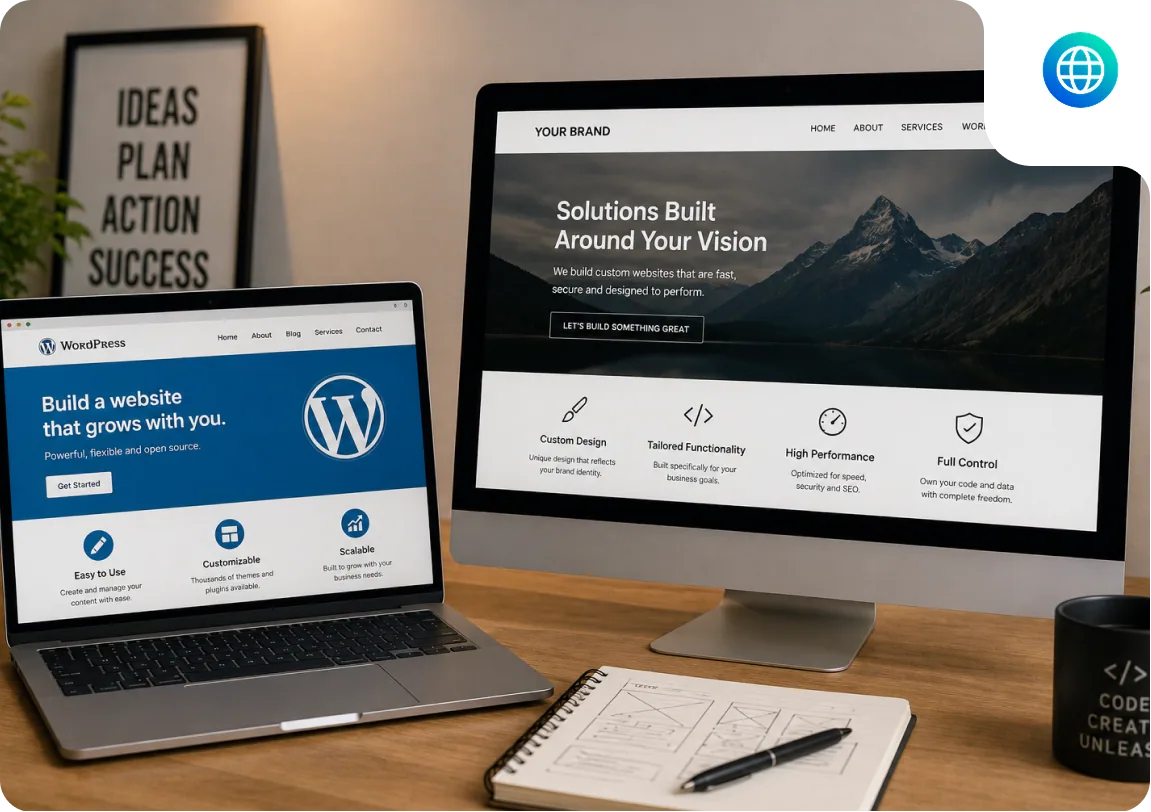
WordPress and Custom Development, What They Mean
WordPress
WordPress is an open-source content management system built on PHP and MySQL. You install it on web hosting, choose a theme (pre-built design), and extend it with plugins (pre-built functionality). Content, pages, posts, products, is managed through WordPress's admin interface without touching code.
WordPress powers 43.5% of all websites globally. It is the default choice for content-driven websites because it was designed for that purpose.
- What it is: a CMS with a large plugin and theme ecosystem.
- What it is not: an application framework for complex business logic.
Custom Web Development
A custom website is built from scratch using modern web frameworks, Next.js, Laravel, Django, Ruby on Rails, or others, without starting from WordPress's structure. Custom development gives you full control over the database schema, the application architecture, the technology stack, and the user experience.
- What it is: purpose-built software designed for your specific requirements.
- What it is not: always better. A custom-built brochure site is an expensive solution to a problem WordPress already solves.
WordPress vs Custom Website, Category by Category
| Category | WordPress | Custom Development |
|---|---|---|
| Content management | WordPress wins, purpose-built CMS | Requires integration with a headless CMS |
| Time to launch | WordPress wins, themes provide head start | Longer, built from zero |
| Initial cost | WordPress wins, lower with premium theme | Higher, everything built to spec |
| Non-technical management | WordPress wins, admin designed for content editors | Depends on what is built |
| Plugin ecosystem | WordPress wins, 59,000+ plugins | You build or integrate individually |
| Performance ceiling | WordPress adds overhead | Custom wins, code optimised for exact use case |
| Application logic | WordPress not designed for complex logic | Custom wins, no plugin ceiling |
| Scalability | WordPress scales with caveats | Custom wins, architecture designed for scale |
| Long-term ownership | Plugin updates can break sites | Custom wins, no third-party plugin dependency |
| SEO tools | WordPress has Yoast/RankMath advantage | Tie, both excellent with right implementation |
When WordPress Is the Right Answer
Content-driven business sites
Service businesses, local companies, professional firms, and any organisation whose website primarily presents information and publishes content. A law firm's website. A dentist's practice site. A marketing agency's portfolio. WordPress's content management system means non-technical staff can update content, publish blog posts, and manage service pages without developer involvement.
Blogs and content marketing
WordPress was built for blogging. Its category, tag, and author systems, its RSS feed, its editorial workflow, and its SEO plugin ecosystem (Yoast, RankMath) make it the strongest content platform available. If content marketing is a primary growth channel, WordPress's advantage over a custom-built CMS is significant.
WooCommerce eCommerce
WooCommerce on WordPress powers approximately 39% of all online stores globally. For standard product catalogues, subscription products, and typical eCommerce workflows, WooCommerce is a complete and cost-effective solution. See our WooCommerce development service.
Marketing sites with regular updates
Websites that need frequent design updates, A/B testing landing pages, and campaign-specific content benefit from WordPress's page builder ecosystem. Elementor and Bricks let marketing teams update layouts without developer involvement.
When Custom Development Is the Right Answer
SaaS and web applications
If your website needs to function as a software product, user accounts with individual data, subscription billing logic, real-time updates, or multi-user workflows, WordPress is not the right foundation. WordPress's data model (posts, pages, custom post types) is not designed for application-level data structures. Forcing SaaS logic into a WordPress plugin architecture produces code that is difficult to maintain and expensive to extend. See our SaaS development service.
Complex user account management
Multi-tenant applications where different customers have isolated data, role-based access control beyond basic WordPress user roles, team accounts with invitation systems, and audit logs, these are application requirements that WordPress plugins approximate but do not cleanly implement.
Performance-critical applications
Applications where every millisecond of response time matters, trading platforms, real-time data displays, high-volume APIs, benefit from architecture optimised for performance rather than content management overhead.
Long-lived applications without plugin dependency
WordPress plugins are maintained by third parties. A plugin that is abandoned or incompatible after a WordPress update can break site functionality. Custom code has no such dependency, your application works regardless of what happens to a plugin's maintenance status.
When Custom Development Is the Wrong Choice
Every custom development agency in this SERP has a financial interest in recommending custom. We also build WordPress. So we can say this: custom development is frequently oversold.
Your site needs 5 to 10 pages with standard business information.
A premium WordPress theme at $1,500 to $3,500 produces a professional site faster and at lower cost than custom development. If a visitor cannot tell the difference between a well-built WordPress site and a custom site, and they almost never can, you have spent the difference unnecessarily.
Your team needs to update content regularly without developer involvement.
WordPress's admin is designed for content editors. A custom application requires a content management interface to be built alongside it, which adds cost and often produces a less mature CMS than WordPress's 20 years of refinement.
You are pre-revenue and need to validate before investing.
A WordPress site launched in 4 weeks at $2,000 lets you test demand before committing to a $15,000 custom build. The phased approach, WordPress first, custom when revenue justifies it, is how many successful products are launched.
Your functionality exists in a WordPress plugin.
Before commissioning custom development for a feature, check whether a WordPress plugin already handles it. Booking systems, membership portals, event management, and complex forms often have mature WordPress plugin solutions at $100 to $300 per year. Custom development for these adds $5,000 to $20,000 to solve a problem that is already solved.
WordPress vs Custom Website, Real Cost Comparison
Development cost
| WordPress | Cost | Custom Equivalent | Cost |
|---|---|---|---|
| WordPress premium theme (8-10 pages) | $1,200-$3,500 | Custom equivalent | $4,000-$8,000 |
| WordPress custom theme | $3,500-$8,000 | Custom equivalent | $6,000-$15,000 |
| WooCommerce standard | $2,500-$6,000 | Custom eCommerce | $10,000-$30,000 |
| Simple web app features | Not suitable | Custom Next.js/Laravel | $8,000-$25,000 |
Ongoing cost comparison
| WordPress | Cost | Custom | Cost |
|---|---|---|---|
| WordPress hosting | $5-100/month | Custom hosting | $20-200/month |
| WordPress maintenance | $80-200/month | Custom maintenance | $120-400/month |
| Premium plugins | $50-300/month | Custom features (retainer) | $500-3,000/month |
See: WordPress cost guide | Web development cost guide
WordPress or Custom, By What Your Site Does
| Use Case | Recommendation | Reason |
|---|---|---|
| Business brochure (under 10 pages) | WordPress | Premium theme handles it well |
| Blog and content marketing | WordPress | Built for this purpose |
| WooCommerce eCommerce | WordPress | 39% of stores use WooCommerce |
| Marketing site with campaign pages | WordPress | Elementor/Bricks for non-dev updates |
| SaaS product | Custom | WordPress not designed for SaaS logic |
| Web application with user accounts | Custom | Application logic needs a real framework |
| Real-time features (WebSockets) | Custom | WordPress cannot do this natively |
| Complex API integrations | Custom or WordPress | Depends on integration complexity |
| Portfolio / photography | Squarespace | Better design out-of-box than either |
| Simple 3-5 page site | Squarespace or Wix | WordPress overkill for this scope |
Working on a WordPress or custom build project?
Written scope before billing. $30/hr. We tell you if we're not the right fit.

Akash Singh
View full profileCTO and Co-Founder, CV Infotech · Gurugram, India
Akash has been building Websites, Web Apps, SaaS and Mobile Apps for clients in the USA, Europe, Australia, and Canada since 2012. He leads a 100% in-house team and personally manages every client relationship and technical decision. Francisco Escobar has worked with him since 2012. Steven has trusted the team with his AI platforms since 2019. 512 verified 5.0 reviews on Freelancer.com.