From content brief
to published post.
AI writing and publishing workflows, brought together in one product.


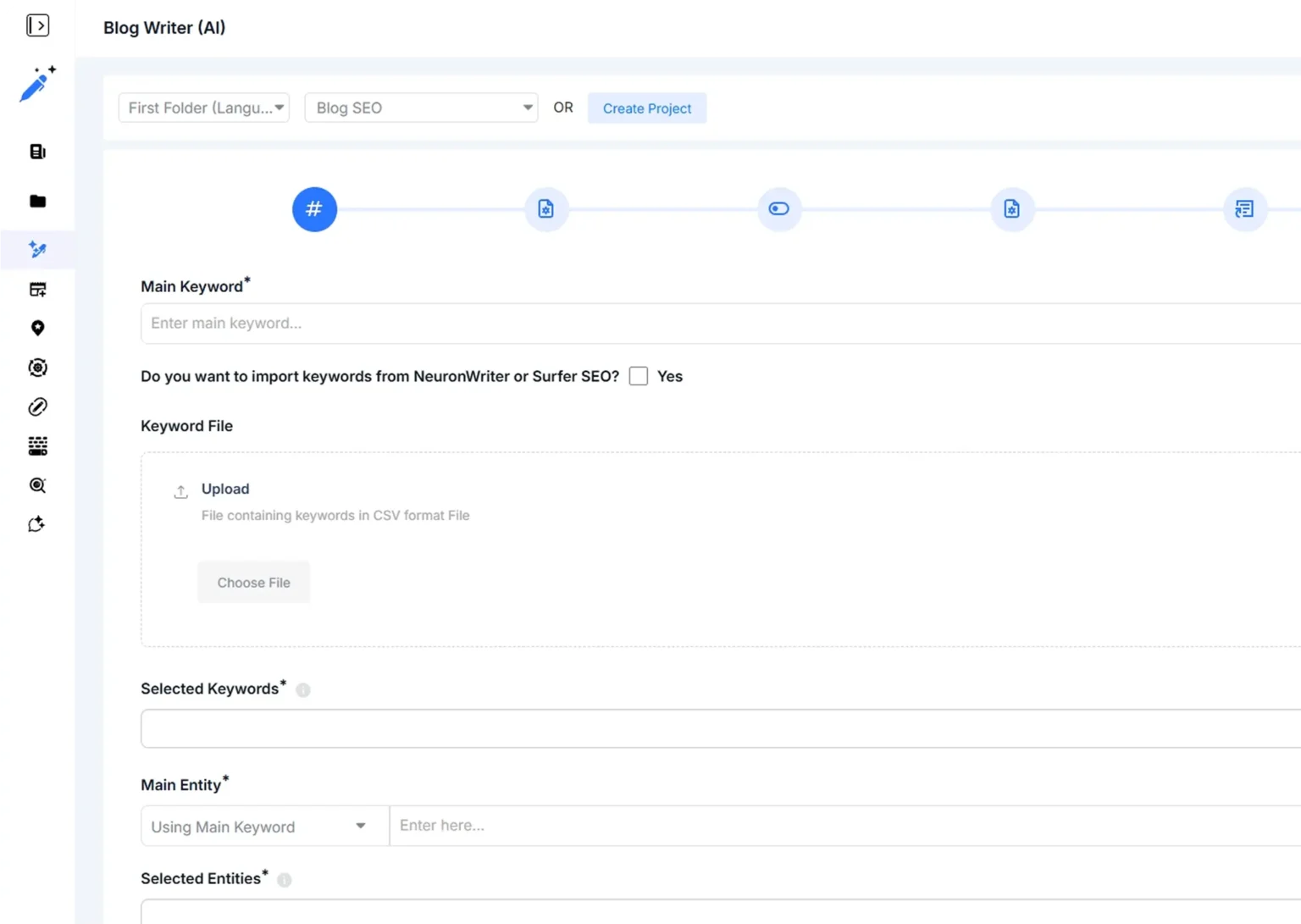
Create
Blog and bulk-writing workflows
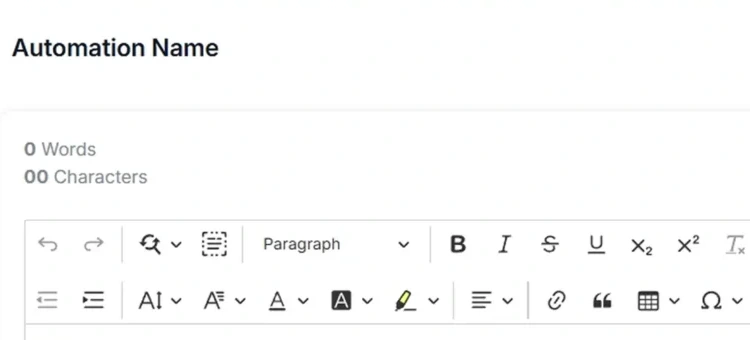
Organise
Local content and keyword clusters
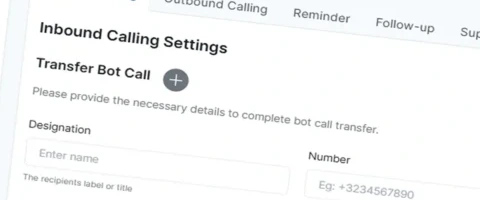
Publish
WordPress publishing workflows
Build a marketing product around your users’ workflow.
Describe the product you want to build and the first workflow it must support.
Content creation and publishing workflows
Chat, email and voice workflows
CV Infotech developed UltimaWriter and UltimaBot. UltimaWriter provides AI writing and publishing workflows; UltimaBot connects chat, email and voice interactions with lead-management workflows.
Explore UltimaWriter →Explore UltimaBot →AI writing and publishing workflows, brought together in one product.


Blog and bulk-writing workflows
Local content and keyword clusters
WordPress publishing workflows
A content generator is only one part of a publishing product. Someone must define the brief, review the output, approve changes, choose a destination and know whether publication succeeded. A campaign product has similar responsibilities: audience selection, approval, scheduling, delivery status and an understandable record of what happened.
Choose the journey that matters most to your first users. For an agency, that might be preparing and approving articles across client workspaces. For a software business, it might be helping customers create, schedule and review campaigns within a branded application. Each journey needs a clear owner, permissions and a visible next step.
This example connects editorial decisions with the destination’s actual response.
Capture the audience, source material and content requirements in the right workspace.
Keep feedback, version changes and the authorised reviewer’s decision connected.
Validate the approved version against the chosen destination’s permissions and accepted formats.
Distinguish published, rejected and incomplete states, with a clear next action for each.
Illustrative workflow for scoping. The final stages and responsibilities depend on your project.
Include the exceptions in the design. A reviewer requests changes. An account connection expires. A scheduled item misses its publishing window. A destination rejects the content. Users need a useful status and an appropriate recovery action at each point. This is an example product flow to adapt to your requirements.
Define how projects, brands, briefs, assets and drafts are organised. Scope roles for authors, reviewers and administrators, with approval steps and version history appropriate to the product. If AI generation is included, agree which source material it may use and where human review remains necessary. Brand consistency and factual accuracy need explicit evaluation criteria.
Plan the destinations the product must support, the content formats they accept and the permissions each connection requires. Build scheduling and publishing states around the destination's actual API capabilities. Preview, revision handling, failed-publication recovery and connection management belong in the scope. A platform's approval process or API restrictions may affect what can ship.
For a campaign application, define how users create audiences, prepare messages, approve sequences and inspect delivery events. Include suppression rules, opt-out handling and limits appropriate to the selected channels. Sender configuration, provider policies and the customer's lawful use of data require separate attention. Software alone cannot guarantee inbox placement or campaign results.
Specify workspace access, account administration, usage limits and the operational views your support team needs. Reporting should explain the events your product can actually observe. Agree what counts as a draft, a publication, a delivered message or a conversion, and how those events are attributed. Revenue attribution needs a defined data source and measurement method.
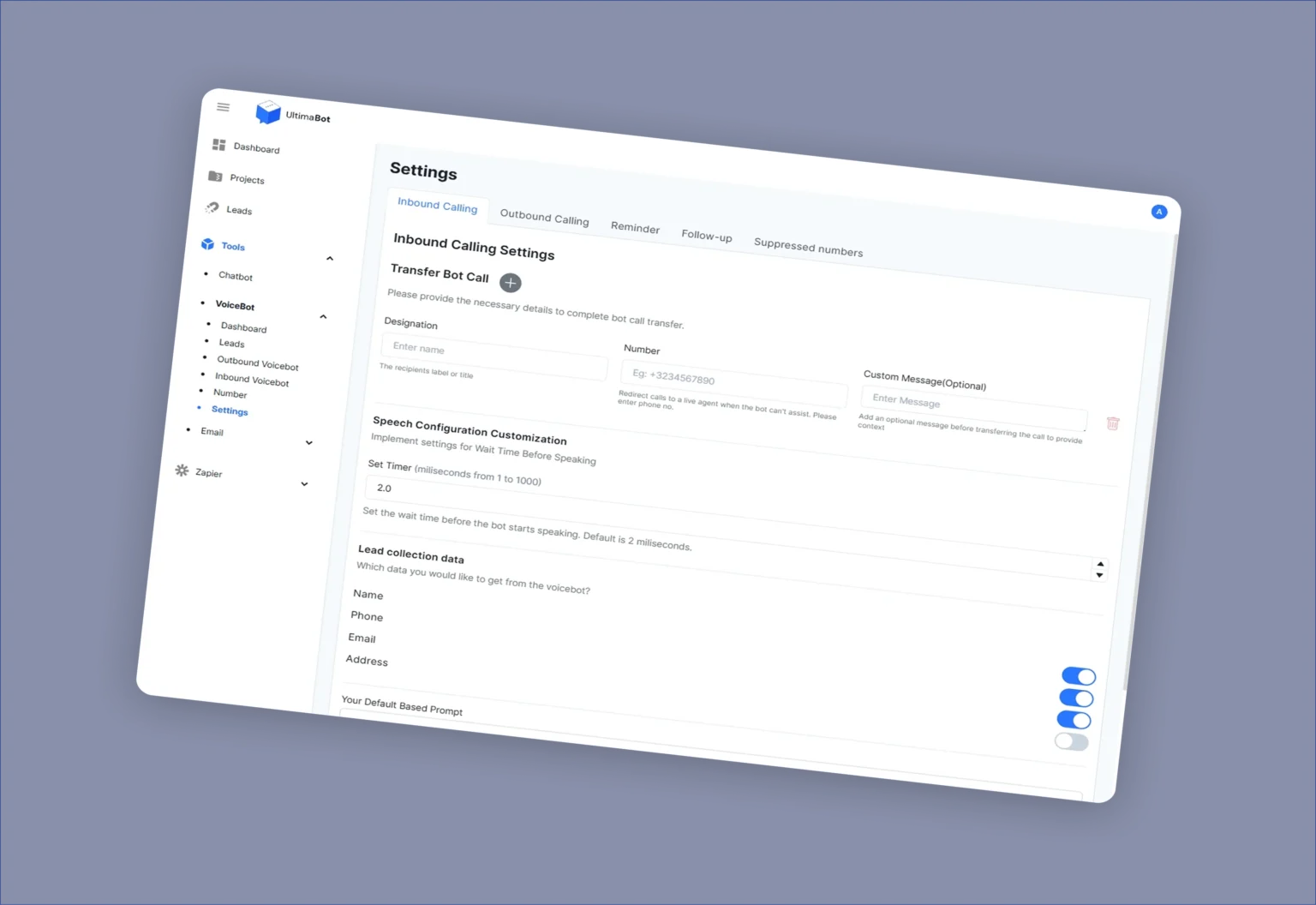
A communication product connecting website conversations, email campaigns and voice agents.


Website chatbots and voice agents
Inbound and outbound workflows
Shared knowledge and lead management
A custom build is worth discussing when you own a repeatable workflow, understand its users and need product behaviour that available tools do not provide. You may be launching an agency-facing platform, replacing a spreadsheet-heavy editorial process or adding a content product to an existing software business.
An established tool may be the better starting point if you mainly need a standard scheduler, an email subscription or someone to run your marketing campaigns. This service concerns the software product. SEO delivery, campaign management and ongoing content production need their own service scope.
If your requirement is mainly connecting existing applications, explore custom API integration services. For a broader subscription product with no specific marketing workflow, see SaaS development.
1. Map the user journey. Identify the primary user, the task they need to finish and the current friction. Choose a first release that completes a usable workflow.
2. Check dependencies. Review publishing endpoints, messaging providers, access requirements, AI model options and third-party costs. Record assumptions that need a prototype or provider approval.
3. Design and build the selected scope. Agree screens, states, permissions and acceptance tests. Test realistic content and representative failures alongside the successful path.
4. Prepare for operation. Define launch approval, monitoring, support ownership and the way users report problems. Decide how product feedback informs subsequent releases.
Depending on the proposal, deliverables can include workflow maps, a clickable prototype, the agreed application features, integration configuration, a test report and operating documentation. Hosting, provider subscriptions, ongoing support and additional publishing channels should be identified separately.
Select the product journey you need to prove before adding more channels or features.
What should the first release help users finish?
Illustrative scoping guide. Each choice reveals a fixed checklist; it does not inspect your systems, calculate a score or estimate a quote.
Yes, that can be assessed. Share the current product, intended users and the workflow to add. Access to the code, architecture and relevant APIs determines whether an extension or a separate component makes sense.
Use AI where it supports a defined task. Templates, validation rules and editorial controls may be more appropriate elsewhere. Agree evaluation examples and reviewer responsibilities before treating generated content as publishable.
Each destination needs its own feasibility check. APIs, account tiers, available formats and platform approval can differ. Start with the channels essential to the first release and confirm what the product can do on each.
The number of complete workflows, publishing destinations, user roles and approval states matters. Existing code quality, data migration and provider access also affect delivery. Share a budget range and target date so the first phase can be scoped realistically.
A branded or multi-client product can be evaluated. Agree workspace separation, permissions, billing responsibilities and any third-party licensing restrictions before including a white-label capability in the proposal.
Tell us who will use it, which content or campaign workflow they need to finish and what existing tools cannot support. Include your required destinations, current product stage, budget range and target date.
Use a fictional example or public documentation links. Please do not send customer lists, account credentials or unpublished client material in the initial enquiry.
Discuss my MarTech product